
The short version: a chatbot talks, and an AI agent does. A chatbot answers questions from a script or a knowledge base. An AI agent can understand a request, decide what steps to take, and actually take them: check a calendar, update your CRM, send a quote, book an appointment.
Both are useful. The trick is knowing which problem you're solving.
What a chatbot does well
Modern chatbots, especially ones powered by large language models and trained on your own content, are great at:
- Answering common questions 24/7: hours, pricing ranges, services, policies.
- Pointing people to the right page or form.
- Collecting basic contact details for follow-up.
If most of your inbound questions are repetitive and the answer lives on your website already, a well-built chatbot can save your team real time.
What an AI agent adds
An AI agent is connected to your tools and allowed to act within limits you set. For example:
- A visitor asks for a Thursday appointment; the agent checks availability, books it, and adds the contact to your CRM.
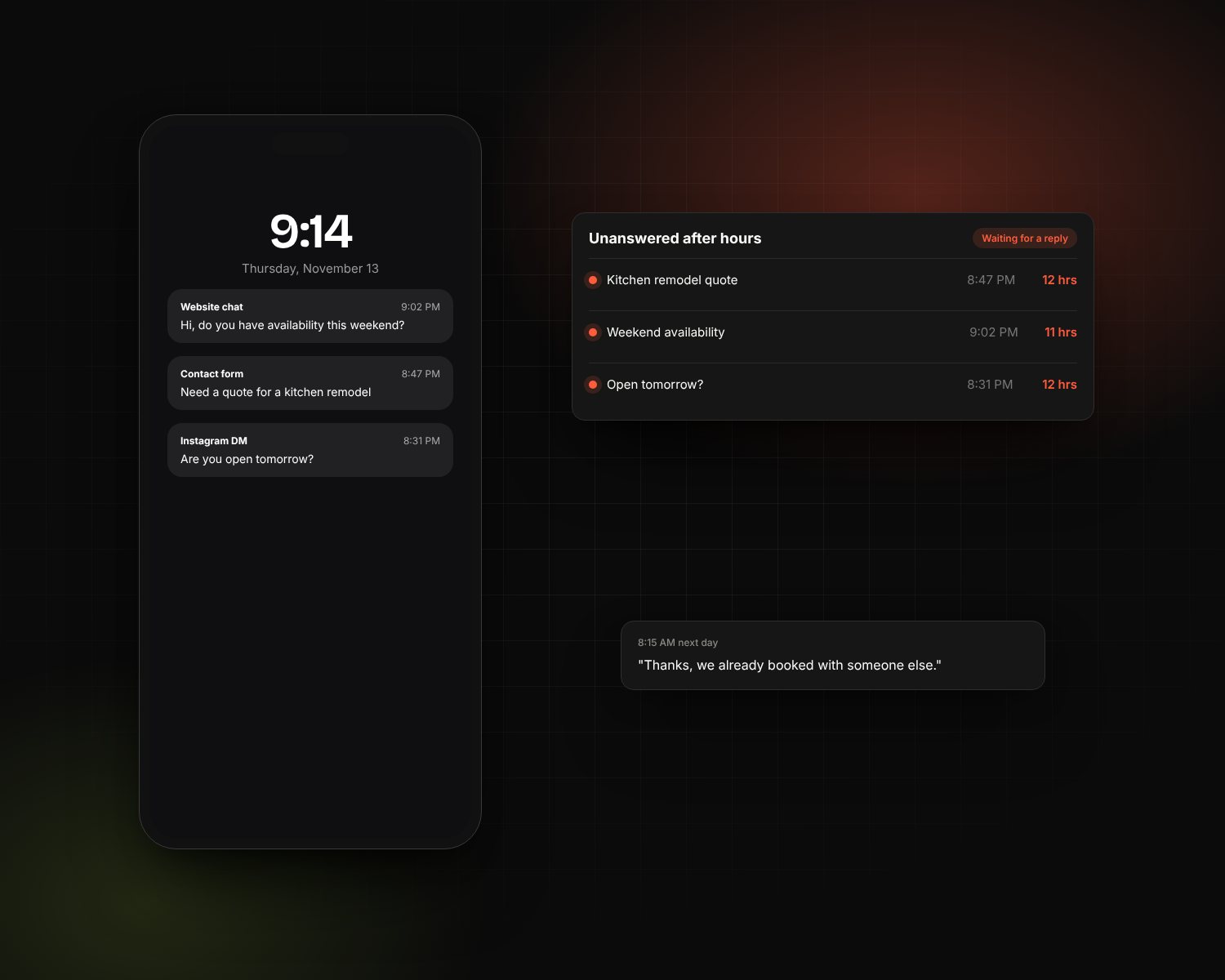
- A new lead fills out a form at 11pm; the agent replies within a minute with a tailored answer and a booking link.
- A customer asks about an order; the agent looks it up and gives a real status.
That's the difference: instead of "someone will get back to you," the job gets done.
How to choose
| If your problem is… | You probably need… |
|---|---|
| The same 20 questions eat up your team's day | A knowledge-based chatbot |
| Leads go cold because nobody replies fast enough | An agent connected to your CRM and calendar |
| Booking takes three emails of back-and-forth | An agent with calendar access |
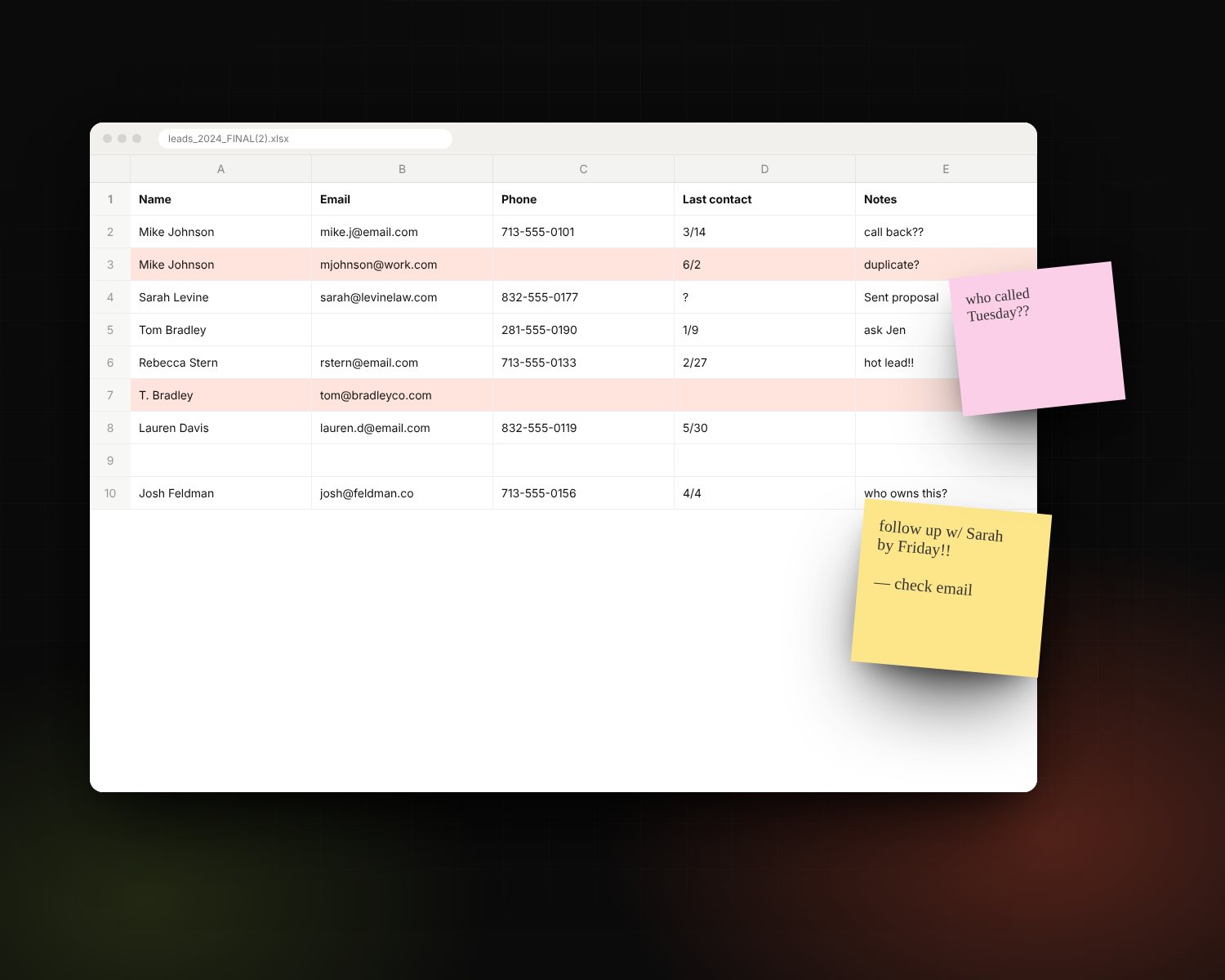
| You're not sure what customers are asking | Start with a chatbot and read the transcripts |
What to watch out for
Wrong answers delivered confidently
AI can be persuasive when it's wrong. Good setups limit the agent to your approved content, tell it to admit when it doesn't know, and hand off to a person for anything sensitive.
No human handoff
Every AI assistant needs a clear path to a real person, and your team needs to see the conversation history when they step in.
Too much access
An agent should only be able to do what you'd let a new employee do on day one. Read access to the calendar and the ability to create a booking, yes. Issuing refunds, probably not.
Nobody reviewing it
Read a sample of conversations every week, especially early on. You'll catch gaps in your content and find out what customers really want.
What it usually takes to launch
A focused chatbot trained on your existing content can go live quickly. An agent that connects to your CRM, calendar or order system typically takes a few weeks, most of it spent on connections, guardrails and testing with real scenarios.
The bottom line
Start with the job you want done, not the technology. If you just need questions answered, a chatbot is enough. If you need things to happen without someone stepping in, that's an agent. See how we build AI agents and chatbots, or read our guide to AI agents for small business.